

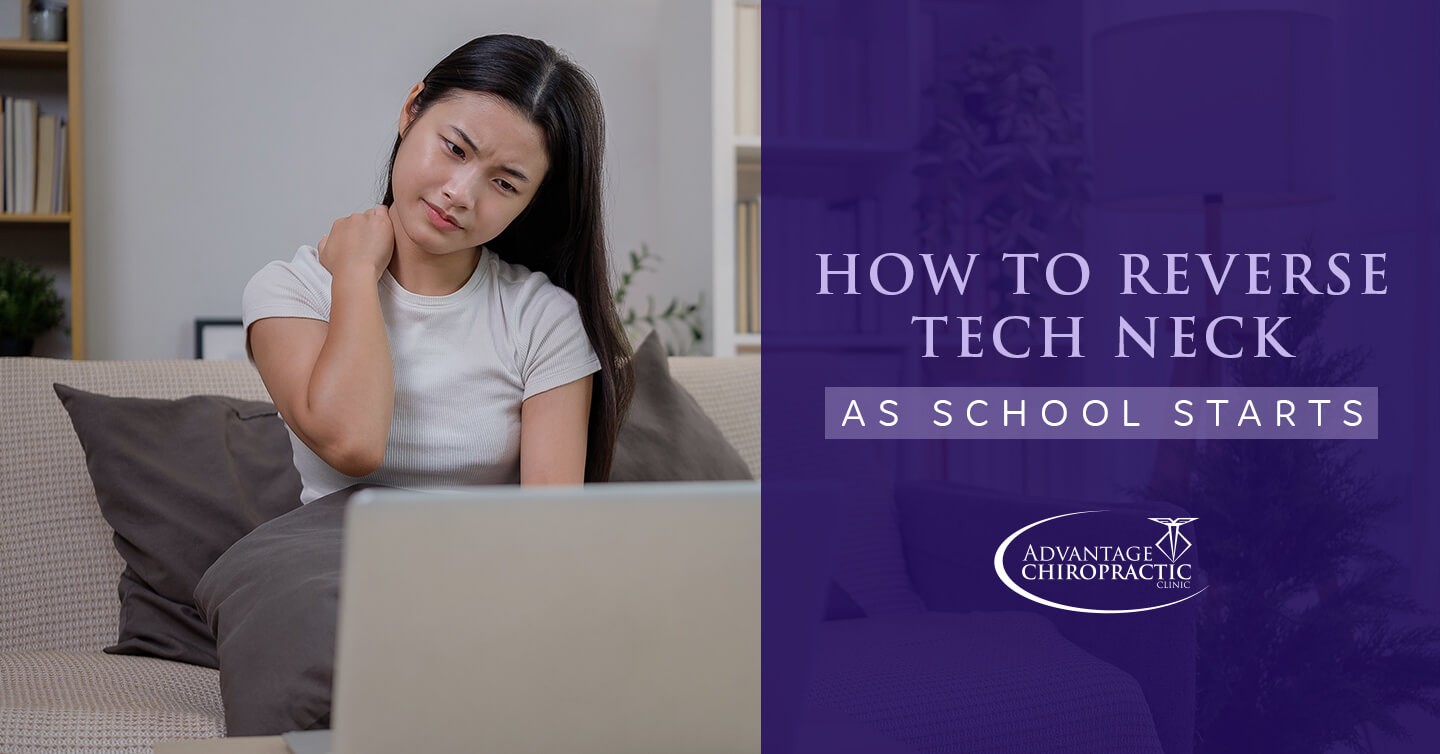
how to reverse tech neck
As the school bells ring across the Auburn-Opelika area, students are trading in their summer adventures for textbooks and screens. With the back-to-school hustle, it’s essential to address a modern academic challenge: tech neck. This condition, caused by bending your head forward to look at screens, can lead to chronic neck and shoulder pain, tension headaches and more. Let’s explore how to reverse tech neck and ensure a healthy start to the school year.
Understanding Tech Neck
Tech neck isn’t just a result of smartphone usage. It’s a consequence of prolonged screen time on devices such as tablets, computers and televisions. This poor posture forces your upper body muscles to work overtime, eventually leading to discomfort and pain. Common signs of tech neck include a need to roll your shoulders, a stiff or sore neck after a day at the computer and headaches that start at the base of your skull.
Strategies to Reduce Tech Neck
Check out how to reverse tech neck, suitable for both kids and adults, with the following strategies:
Elevate your screens.
Ensuring your screens are at eye level is a fundamental step in reversing tech neck. When your device is too low, your neck bends forward, intensifying strain. But one way to help is to use books or stands to elevate laptops and tablets.
Encourage school-age children and teenagers to adopt this habit at home and school. Parents can also model this behavior and create a family-friendly tech station.
Take frequent breaks.
Take breaks every 30 minutes to significantly reduce the risk of tech neck.
Set a timer to remind students to stand, stretch or walk around. This habit alleviates neck strain and boosts concentration and productivity. Teachers can incorporate short movement breaks into their schedules, benefiting both students and educators.
Support your spine.
Proper spinal support through ergonomic furniture can also make a difference. Chairs with good lumbar support and desks at the right height can promote better posture. For example, encourage students to sit with their feet flat on the floor and their backs straight. Parents should consider ergonomic options for home study and work areas.
Stretch and strengthen.
Incorporating tech neck exercises helps maintain neck health. You can do exercises like chin tucks, neck stretches and shoulder blade squeezes, which can be easily integrated into daily routines.
Dedicate a few minutes each day to these exercises, perhaps during homework breaks. What’s more, add activities that promote spine health in general, including yoga, walking, biking and stretching.
Limit recreational screen time.
Balancing screen time with physical activity is a must. Limiting recreational screen time to no more than two hours a day can also help reduce tech neck. To keep kids busy, engage them in outdoor activities or hobbies that encourage movement, offering a break from screens.
Summary
To summarize, by elevating screens, taking breaks, supporting your spine and incorporating exercises, you can combat tech neck. But remember, how to reverse tech neck is a continuous journey of mindful habits and ergonomic awareness.
Contact Advantage Chiropractic Clinic with any questions or concerns, or book your family’s next appointment for an adjustment. For more about the benefits of chiropractic care, keep reading our blogs.